
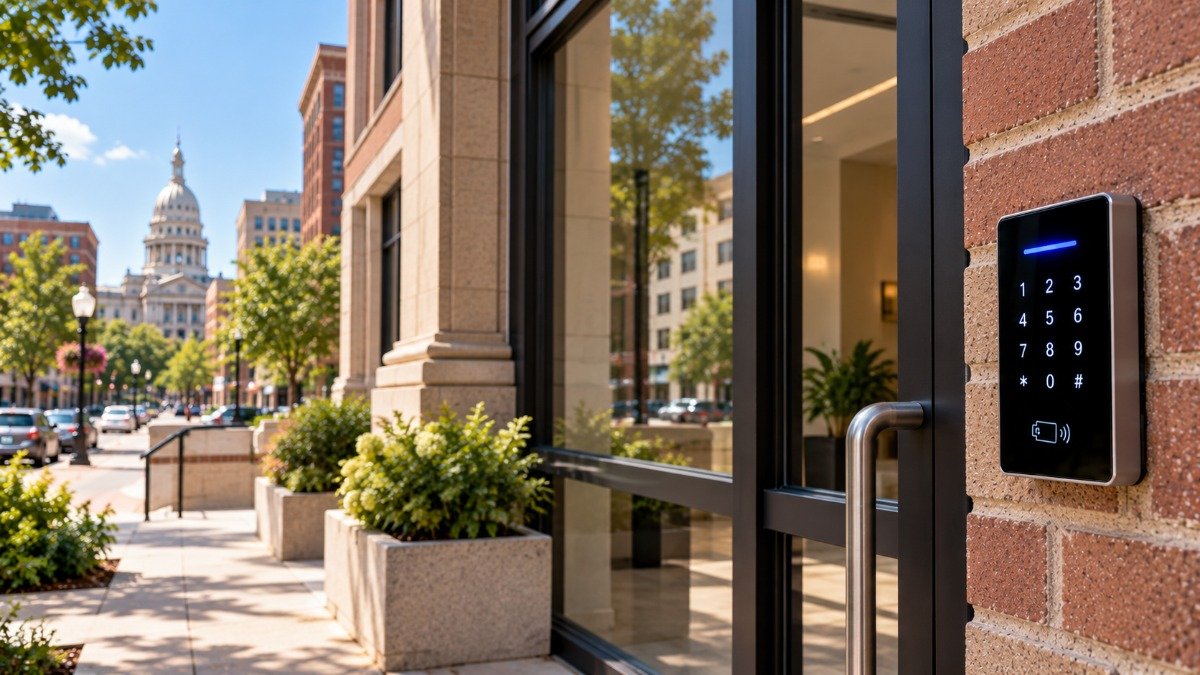
Keys get lost, copied, and shared. When an employee leaves, you have to re-key locks or hope they returned every copy. Electronic access control can make credentials easier to manage and revoke, but changes take effect only when the relevant controller receives them. Plan for lost credentials, offline doors, and any mechanical keys that remain in use.
How Access Control Works
An access control system uses electronic credentials (key cards, fobs, PIN codes, or mobile phone apps) instead of physical keys. Each door or entry point has a reader connected to a central controller. When someone presents a valid credential, the door unlocks. Logging depends on readers, door sensors, configuration, and connectivity. A credential event is not proof of who passed through a door: shared credentials, tailgating, and unmonitored exits can leave gaps. Exit logging requires a suitable design and must not interfere with safe escape.
Types of Credentials
- Key cards and fobs: Simple, affordable, and easy to issue or deactivate
- PIN codes: No physical credential to carry, but codes can be shared
- Mobile credentials: Use a supported phone and app; security and availability depend on enrollment, device protection, and the selected technology
- Biometric readers: Some systems use fingerprint or facial matching; assess accuracy, privacy, data retention, and applicable requirements before collecting biometric data
- Multi-factor: Combine two methods (card plus PIN) for sensitive locations
What Access Control Can Do
Depending on the controller, sensors, software, and licenses, a system may support these functions. Verify the required features in the actual installation:
- Set schedules so doors unlock automatically during business hours and lock after hours
- Grant temporary access to contractors or visitors with automatic expiration
- Receive alerts when doors are forced open or held open too long
- Link supported access events to compatible camera recordings; coverage and successful recording depend on the installation
- Manage multiple locations from a single platform
- Report recorded credential and door events, subject to the system's logging limits
Where Access Control Makes Sense
- Office buildings and professional suites
- Retail stores and restaurants (back-of-house areas)
- Warehouses and storage facilities
- Schools, churches, and community buildings
- Multi-tenant residential properties
- Server rooms and sensitive areas within any building
- Construction sites and gated properties
Choosing the Right System
The right access control system depends on the number of doors, number of users, level of security required, and whether you need integration with cameras or building automation. Cloud-managed and on-premise systems differ in administration, subscriptions, data storage, and offline behavior. Neither label alone establishes security or resilience. Ask what continues working during an internet outage, how credential changes synchronize, and how long any backup power supports the complete installation.
Emergency Exits and Outages
Access control must not trap occupants. OSHA's workplace exit-route rules generally require employees to open exit doors from inside without keys, tools, or special knowledge, and prohibit devices whose failure restricts emergency use. Applicable building, fire, and accessibility requirements also depend on the occupancy and door arrangement. Have qualified installers coordinate with the local building and fire authorities before modifying exit doors or fire-rated assemblies.
Fail-safe and fail-secure describe how a lock responds to loss of power, not whether the complete doorway permits safe exit. Required release hardware, fire-alarm interfaces, backup power, and mechanical operation must be selected as a compliant system. Document and test operation during power loss, internet loss, and applicable alarm conditions. Do not bypass release devices, prop open fire doors, or treat this guide as wiring instructions.
Professional Installation
Access control involves door hardware, low-voltage wiring, network security, software, and life-safety requirements. Use qualified professionals, verify permits and inspections with the enforcing authority, and arrange documented commissioning and maintenance. Installation alone is not a guarantee of security or uninterrupted operation. Doty Service Network designs and installs access control systems for businesses and properties throughout Mid-Michigan. Call (517) 327-7777 (Lansing) or (989) 455-1305 (Vassar) to discuss your security needs.
Sources and scope
These references support the technical guidance, not a quote, a guaranteed outcome, or every product's features. Follow the equipment manufacturer's instructions and confirm applicable local requirements.
- OSHA, 29 CFR 1910.36: Design and Construction Requirements for Exit Routes