
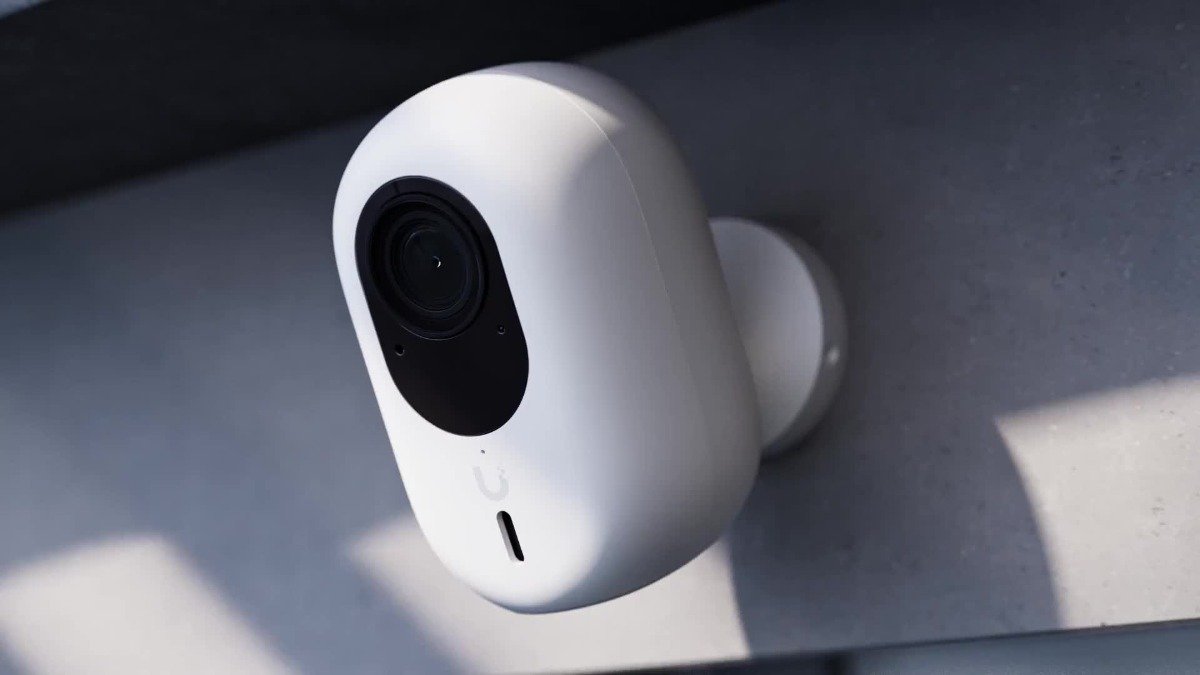
Security cameras have evolved dramatically in recent years. Depending on the model and configuration, systems may offer high-definition video, night vision, remote viewing, and person or vehicle alerts. Check the features and ongoing costs of the specific equipment before buying. Whether you need cameras for a business, commercial property, or residential estate, here is what you need to know.
Camera Types
- Dome cameras: Low-profile, tamper-resistant, ideal for indoor ceilings and covered outdoor areas
- Bullet cameras: Visible deterrent, longer range, good for parking lots and building perimeters
- Turret cameras: Do not use a dome cover around the lens; compare actual night footage because lighting, dirt, and installation still affect image quality
- PTZ cameras (pan-tilt-zoom): Remotely controllable, can cover large areas and zoom in on details
- Fisheye cameras: 360-degree coverage from a single camera, useful for open floor plans
Resolution and Image Quality
- 2MP (1080p): May suit an overview or a narrow field of view; test the detail at the intended distance
- 4MP: Offers more pixels than 1080p, but the exact image dimensions and usable detail depend on the model
- 4K (about 8MP): Can provide more detail across a scene, with storage and bandwidth requirements that depend on recording settings
Resolution alone does not establish whether a face or license plate will be readable. Lens choice, distance, camera angle, lighting, exposure, motion, and compression all matter. Identifying someone in recorded footage is also different from automated facial recognition. Plate capture may need a dedicated camera and suitable lighting or exposure settings. Agree on what must be visible, then test actual day and night recordings at the intended locations.
Recording and Storage
- NVR (Network Video Recorder): Stores footage locally. Compatible cameras can continue recording without internet if the cameras, recorder, and local network remain powered and connected. Remote viewing or cloud-dependent features may stop. Confirm license, software, support, and optional service fees; local storage does not mean every system is fee-free.
- Cloud recording: Stores footage off-site for added security, but requires a stable internet connection and usually involves monthly subscription costs.
- Hybrid: Local recording with selected clips backed up off-site. Verify upload capacity, retention, subscription costs, and how recordings are recovered after an outage.
Smart Features
Some models support the following features. Verify compatibility, licensing, and performance in the actual scene; automated alerts can miss events or produce false alarms:
- Person and vehicle detection can filter some unwanted alerts, but needs setup and testing
- Line crossing alerts notify you when someone enters a defined area
- License plate recognition may read plates when the camera, software, vehicle speed, angle, and lighting meet the system's requirements
- Audio detection picks up glass breaking, raised voices, or other unusual sounds
- Two-way audio lets you communicate through the camera
Remote Viewing
Many systems offer an app or web interface, but supported devices, remote-access methods, subscriptions, and internet requirements vary. Confirm whether you can retrieve recordings locally during an internet outage. Use unique passwords, multi-factor authentication where available, current software, and encrypted connections. Give each viewer only the permissions they need; do not expose a recorder directly to the internet without a professionally assessed security configuration.
Professional vs. DIY
Compare individual products rather than assuming all consumer cameras need subscriptions or that a professional label guarantees suitability. Choose based on recording requirements, support, security updates, and the property. Verify these options in the proposed system:
- Continuous or event-based recording, with enough storage for the chosen retention period
- Local storage with any license, maintenance, and optional subscription costs disclosed
- Demonstrated image quality in the actual daytime and nighttime conditions
- Temperature and environmental ratings suitable for the specific Michigan installation
- Verified integration with the selected access-control or building-automation products
- Camera capacity supported by the recorder, network, licenses, and storage design
Privacy and Recording Rules
Aim cameras only at areas you are authorized to monitor, avoid private spaces, and limit unnecessary views of neighboring properties. Decide who can view or export recordings and how long footage is retained. Audio recording, workplace monitoring, and biometric features can raise separate legal requirements. Obtain qualified advice about applicable Michigan and federal rules, notice, and consent before enabling them; a visible camera or sign alone is not a blanket permission to record conversations. This guide is not legal advice.
Installation Considerations
Proper camera placement, cable routing, and network configuration make the difference between a system that actually catches incidents and one that misses them. Factors include lighting conditions, camera angles, coverage overlap, and storage capacity planning.
Doty Service Network designs and installs commercial and residential security camera systems throughout Mid-Michigan. Contact us at (517) 327-7777 (Lansing) or (989) 455-1305 (Vassar) for a free security assessment.
Sources and scope
These references support the technical guidance, not a quote, a guaranteed outcome, or every product's features. Follow the equipment manufacturer's instructions and confirm applicable local requirements.
- Axis Communications, Pixel Density and DORI (May 2023; manufacturer guidance)
- Federal Trade Commission, How To Secure Your Home Security Cameras (February 2023)