
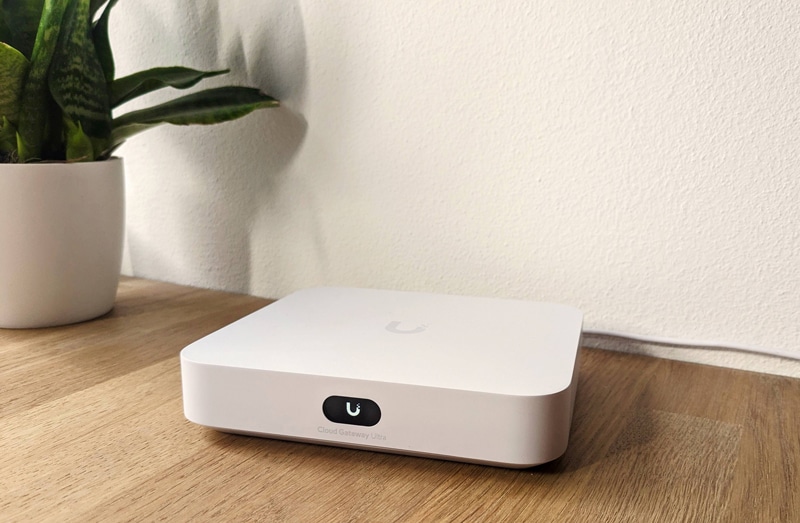
If you've ever dealt with dead zones, dropped connections, or a router that needs constant rebooting, it's time to consider an upgrade. Ubiquiti's UniFi system is one option for managed networking; suitability depends on the property, devices, required features, and support needs.
The Problem with Consumer Routers
Most home routers cost $100-$300 and promise to cover your entire home. In reality, they often fall short:
- Dead zones in distant rooms or floors
- Slowdowns when multiple devices connect
- Wireless extenders that can reduce available throughput, depending on their backhaul, radios, and interference
- Frequent reboots needed
- No real visibility into your network
What Makes Ubiquiti Different
UniFi can use multiple managed access points, typically with wired backhaul where feasible. Wireless mesh is a separate configuration with performance tradeoffs:
- Roaming support: Compatible devices can move between access points, but the client, settings, and signal conditions affect transitions; uninterrupted sessions are not guaranteed
- Capacity planning: Device count alone does not predict performance; radio conditions, application traffic, and the selected hardware matter
- Centralized Management: See and control everything from one dashboard
- PoE (Power over Ethernet): Access points need only an Ethernet cable, no power outlets needed at each location
- Scalable: Start small and add access points as needed
- Lifecycle planning: Check current support status, update policy, and any optional service costs for the selected products
For Homes
The access-point count should follow a site survey, not a blanket recommendation. Wall materials, floors, placement, interference, wired backhaul, internet service, and device capabilities all affect results. Agree on the rooms and applications to test after installation; a rack or a particular brand alone cannot guarantee performance.
For Businesses
UniFi scales from small offices to multi-building campuses. Features like VLAN segmentation, guest networks, and bandwidth management make it ideal for businesses that need reliable, secure networking.
Doty Service Network designs and installs custom Ubiquiti networks for homes and businesses throughout Mid-Michigan. We handle everything from the initial site survey through installation and ongoing support.
Sources and scope
These references support the technical guidance, not a quote, a guaranteed outcome, or every product's features. Follow the equipment manufacturer's instructions and confirm applicable local requirements.
- Ubiquiti, Optimizing WiFi Connectivity and Reducing Latency (manufacturer guidance; results depend on clients and installation)