
Most homeowners replace their Wi-Fi router every few years, hoping the latest $200-$400 consumer mesh system will finally solve their coverage and reliability problems. There's a better way.
The Consumer Wi-Fi Problem
Consumer routers and mesh systems like Eero, Google Nest WiFi, and Orbi are designed for simplicity, but that simplicity comes with limitations:
- Coverage gaps in larger homes or multi-story houses
- Possible slowdowns depending on radio conditions, hardware, and actual traffic; a fixed device count is not a universal limit
- Reliability issues requiring frequent reboots
- Model-specific support and update lifecycles; check the manufacturer's current policy rather than assuming a replacement interval
- Mesh extender compromises, wireless backhaul cuts your speed significantly
- Management features that vary by product and subscription; compare the specific models
The Ubiquiti UniFi Advantage
UniFi is the same enterprise-grade networking used in hotels, hospitals, and offices, adapted for home use:
- Wired backhaul: Ethernet can avoid wireless-backhaul contention, but throughput still depends on ports, cabling, radios, clients, and upstream service
- Roaming support: Client devices decide when to move between access points; compatibility, settings, and signal conditions affect interruptions
- Capacity planning: Select and test hardware for the actual applications and radio environment rather than promising performance from device count alone
- Centralized management: See every device, set bandwidth limits, create guest networks, and monitor usage from one dashboard
- Lifecycle planning: Service life and software support vary by model; a ten-year lifespan or update period is not guaranteed
- PoE powered: Access points need only an Ethernet cable, no outlets needed at each location
Comparing Costs Fairly
Compare dated quotes for systems meeting the same coverage, capacity, installation, and support requirements. Include cabling, hardware, configuration, optional subscriptions, maintenance, and replacement assumptions. A ten-year cost comparison is misleading if it assumes one brand must be replaced repeatedly while another is guaranteed to last; neither assumption has been established here.
Who Needs UniFi?
UniFi is ideal if you:
- Have coverage or management needs that an assessment shows are not met by the current network
- Work from home and need reliable video conferencing
- Need capacity for the actual traffic and devices you use; device count alone does not require an upgrade
- Use smart home devices (Home Assistant, smart lights, cameras, thermostats)
- Want strong Wi-Fi in your garage, basement, yard, or outbuildings
- Stream 4K content on multiple screens
- Are tired of rebooting your router
Professional Installation Matters
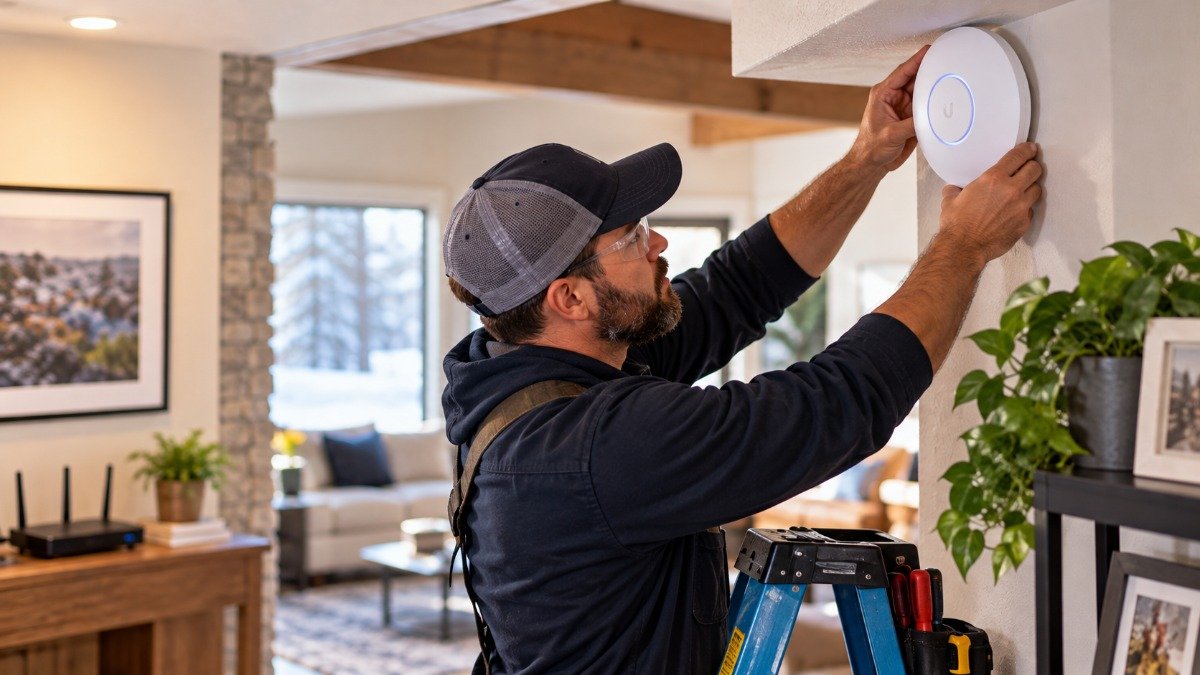
A UniFi system performs best with professional installation including structured cabling, optimal access point placement, and proper network configuration. Doty Service Network designs and installs custom UniFi networks throughout Mid-Michigan.
Contact us for a free network consultation, we'll assess your space and design a system around your coverage goals, then test agreed locations. Future interference, building changes, or different devices can affect coverage.
Sources and scope
These references support the technical guidance, not a quote, a guaranteed outcome, or every product's features. Follow the equipment manufacturer's instructions and confirm applicable local requirements.
- Ubiquiti, Optimizing WiFi Connectivity and Reducing Latency (manufacturer guidance; results depend on clients and installation)